4 tools to make using your FSA dollars even easier!
1. Download the mobile app: Available 24/7, it’s a simple way to manage your healthcare finances. Download the MyNavia Mobile App today at the App Store or Google Play.
2. Check out 50 ways to spend your leftover FSA dollars
3. See the full list of FSA eligible items
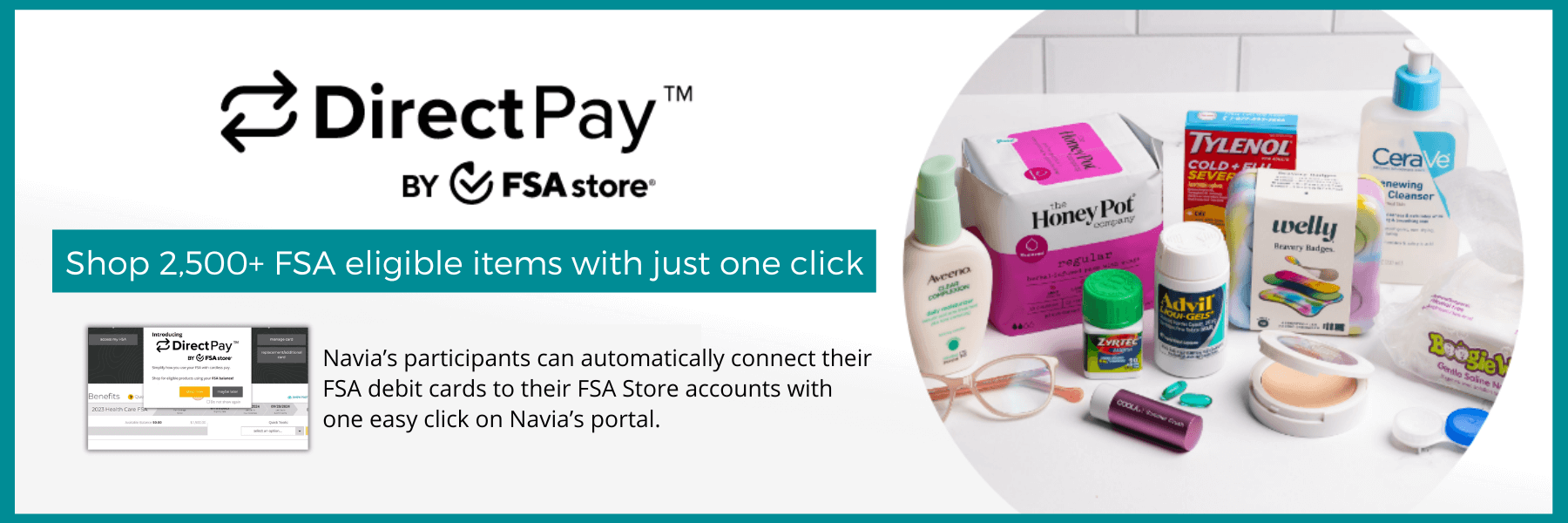
4. If your plan has a Navia Debit Card, use FSA Store Direct Pay: Make shopping on the FSA Store even easier with Direct Pay! Direct pay is a smart and secure payment feature that allows you to shop FSA eligible items anytime on the FSA Store site without needing your Navia debit card in hand. Sign up today by logging into your participant portal. If you aren’t prompted upon signing in, just click “Manage DirectPay” on your dashboard and you can sign up with one click! Shop FSAStore.com now!