
MyNavia Mobile App
Get Quick Access to Your Benefits With the MyNavia Mobile App!
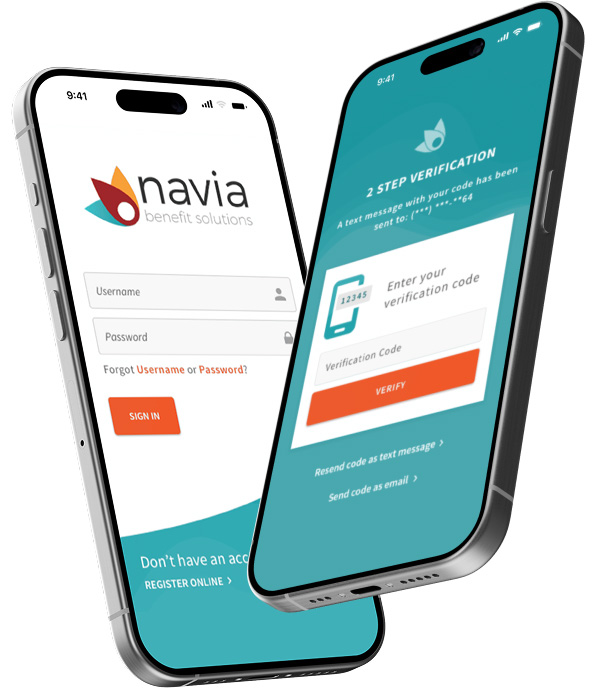
MyNavia Mobile App
Download the MyNavia Mobile App Now!
Whether you’re at the doctor’s office or on vacation, the MyNavia App allows you to manage and access your benefits right from your smartphone! Available for iPhone and Android devices, the MyNavia App is a free-to-download and free-to-use tool for any Navia participant with an FSA, HRA, HSA, or Commuter benefit.
- Easy Claim Submission
- Receive Claim Alerts
- View Account Balances
- Fingerprint and Facial ID Login
- Access Our List of Eligible Expenses
MyNavia Mobile App
Getting Started
Step 1
DOWNLOAD APP
Search for “Navia Benefits” in the Google Play or Apple App Store and download it.
Step 2
Sign in / Sign up
Sign into the app with your portal username and password. You can Register if you don’t have this information.
Step 3
Verify Your Code
Once you’re signed in, choose to have a verification code sent to you by email or text message.
Step 4
Validate Your Login
Enter the Verification code you received and tap “Verify”.